
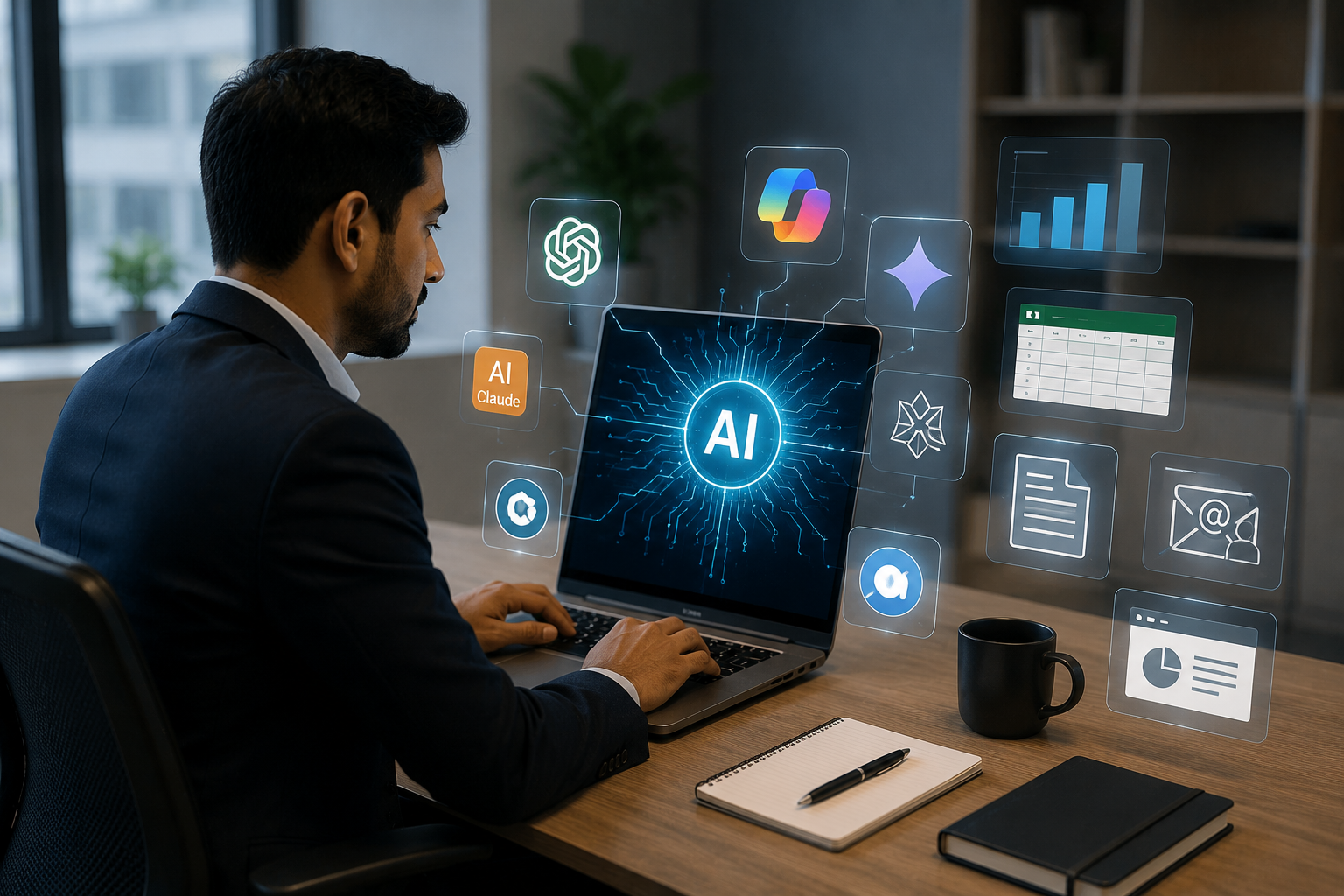
Artificial Intelligence is transforming the way professionals work, communicate, and make decisions. This practical, hands-on workshop is designed for managers, team leaders, project managers, and working professionals who want to leverage AI to improve productivity and reduce time spent on every tasks. Participants will learn how to use leading AI tools such as ChatGPT, Microsoft Copilot, Google Gemini, Claude, Perplexity, and NotebookLM to create professional documents, analyze Excel data, build impactful PowerPoint presentations, draft emails, manage meetings, prepare performance reviews, and streamline dayto-day team management. The course also introduces practical prompt engineering techniques, AI best practices, and reusable workflows that can save several hours every week. Through live demonstrations and real workplace scenarios, participants will discover how to integrate AI into their daily routine, enabling them to focus more on strategic thinking, leadership, and delivering business outcomes while working smarter—not harder.
Seats Full
AI Productivity: Master Everyday AI Tools to Work Smarter (4 Hours)
Original price was: ₹5,999.00.₹4,999.00Current price is: ₹4,999.00.
Professionals who master AI work faster, decide smarter, and get promoted sooner. Four hours of live, hands-on training with tools you will use tomorrow — guaranteed. Covers Excel, Power Point, ChatGPT, Copilot, Gemini, Claude
Program Curriculum
20 min
The AI Mindset for Modern Managers
- Understanding Generative AI
- Choosing the right AI tool for the task
- Writing effective prompts
- AI ethics, privacy, and security in the workplace
60 min
AI for Everyday Office Productivity
- AI in Microsoft Word
- Drafting emails, proposals, reports, SOPs, and meeting notes
- AI in Excel
- Formula generation
- Data cleaning
- Pivot tables
- Dashboards
- Data analysis
- Charts and insights
- AI in PowerPoint
- Creating presentations from prompts
- Improving slide design
- Speaker notes
- Executive summaries
60 min
AI for Managers
- Writing performance reviews
- Goal setting and OKRs
- One-on-one meeting preparation
- Team communication
- Difficult conversation scripts
- Delegation plans
- Hiring and interview questions
- Project plans and status reports
- Risk registers and action trackers
30 min
AI for Meetings & Collaboration
- Meeting agendas
- Meeting minutes
- Action item tracking
- Follow-up emails
- Brainstorming
- Decision logs
30 min
AI for Data & Decision Making
- Summarizing large documents
- Analyzing spreadsheets
- Creating executive dashboards
- SWOT analysis
- Root cause analysis
- Decision matrices
30 min
AI Tools Every Professional Should Know
- ChatGPT
- Microsoft Copilot
- Google Gemini
- Claude
- Perplexity
- NotebookLM
- Gamma
- Canva AI
- Napkin AI
- Grammarly AI
20 min
Building Your Personal AI Assistant
- Creating reusable prompt libraries
- Daily AI workflows
- Automating repetitive work
- Saving hours every week
Resources
Bonus Resources
- 100+ ready-to-use AI prompts for managers
- Excel prompt library
- PowerPoint prompt library
- Word and email templates
- Performance review prompt pack
- Meeting management prompt pack
- AI tool comparison guide
- Daily productivity workflow checklist
10 reviews for AI Productivity: Master Everyday AI Tools to Work Smarter (4 Hours)
Related products
-
FAANGM Interview Preparation Masterclass (2 hours)
Original price was: ₹3,999.00.₹2,999.00Current price is: ₹2,999.00.Getting shortlisted is hard. Converting the interview into an offer is harder. Learn the exact frameworks, stories, and strategies that get professionals hired at top companies like Meta, Google, Microsoft, Amazon, etc.
-
Professional Certificate in AI/ML & LLM Engineering for Developers
Master AI/ML, Generative AI, LLMs, RAG & AI Agent Development
Duration: 6 Months | Industry-Oriented Program -
Master Program in Agentic AI Engineering
Build Production-Ready AI Agents, RAG Applications & Multi-Agent Systems
Duration: 6 Months | Industry-Oriented | Hands-On Learning
-
Leadership Development
Original price was: ₹5,999.00.₹4,999.00Current price is: ₹4,999.00.
(4 Hours)Stop being the best individual contributor in the room. Start being the leader your team needs. One intensive workshop. A personalised 90-day action plan. Real results from day one.






Rohan Desai –
“The Excel AI module was a game changer for me. I used to spend half a day every week building pivot tables and charts for my weekly business review. After this training, I can do the same work in under an hour using AI-generated formulas and data analysis prompts. The 100+ prompt library that comes with the course is something I use almost every day. This is one of the best investments I have made in my professional development in years.”
Finance Manager, Deloitte, Mumbai
Sanjay L. –
Demystified prompt engineering.
“I used to get generic answers from AI. The structured prompt frameworks taught in Module 1 showed me how to feed the right context, constraints, and personas to get highly accurate, professional-grade outputs.”
Business Consultant
Varun P. –
Excellent comparison of AI tools.
“This workshop cut through the noise of ‘AI hype.’ Knowing exactly when to use Claude vs. ChatGPT vs. Perplexity for my specific tasks has changed how I approach research and content creation.”
Content & Marketing Lead
Ritu K. –
Excel data analysis made incredibly simple.
“The Module on AI in Excel was worth every penny. I learned how to use GenAI tools to write complex formulas, clean messy datasets, and generate instant dashboard insights without spending hours troubleshooting.”
Senior Financial Analyst
Divya Nair –
“I was sceptical going in — I thought AI tools were only for developers and data scientists. This workshop completely changed my perspective. The live demonstrations using real workplace scenarios made it immediately clear how these tools apply to my day-to-day work as an HR Business Partner. I now use Claude for drafting policy documents and Google Gemini for analysing engagement survey data. The session on building a personal AI workflow saved me from the common trap of using AI randomly instead of systematically.”
HR Business Partner, TCS, Kochi
Deepika T. –
Hands-on, practical, and highly relevant.
“I loved that we didn’t just talk about AI—we actually built things. From designing beautiful PowerPoint presentations using Gamma to creating reusable email templates, this course delivers immediate ROI.”
HR Business Partner
Amit R. –
A must-have toolkit for busy managers.
“Writing performance reviews, drafting OKRs, and setting project risks used to take me days of agonizing over a blank page. The 100+ prompt library provided in this course has streamlined my admin work to minutes.”
Project Manager
Arjun Nambiar –
“I manage a team of 18 people across three locations and my biggest challenge has always been keeping communication clear and consistent. The AI for Managers module taught me how to use AI to prepare one-on-one agendas, draft difficult conversation scripts, and write delegation plans that my team actually understands. My team engagement scores have improved noticeably since I started using these workflows. I also appreciate the section on AI ethics and privacy — something many training programmes skip entirely.”
Director of Operations, Wipro, Bangalore
Vijayalakshmi Sundaram –
“I am a Project Manager at an MNC and spend enormous amounts of time preparing status reports, meeting minutes, and performance review write-ups. I had heard about AI tools but did not know where to start or how to use them safely at work. This workshop changed everything. I now use ChatGPT and Microsoft Copilot daily for drafts, and NotebookLM for summarising large documents. I have saved at least 8 hours a week and my manager has noticed the improvement in quality of my written communication.”
Senior Project Manager, Infosys, Chennai
Siddharth B. –
Saves me at least 5 hours every single week.
“I went in knowing basic ChatGPT prompts, but left with a fully functional daily AI workflow. Using Claude and Copilot for drafting complex SOPs, meeting minutes, and data cleaning has completely freed up my calendar.”
— Operations Director